Website
6 partsYour home online, built to turn visitors into enquiries.
- Home and core pages01
- Enquiry or application form02
- Booking calendar03
- Email sign up04
- Search basics, so Google can find you05
- Joined to your CRM06
I build the websites and funnels that coaches and service businesses need to grow. The page, the follow up, the booking, the tracking. All joined up, all in one place. So you know where your leads are coming from, and where they've gone.
// The leaky bucket
You've done the hard bit. You've got the content, the audience, the proof, and the money coming in. But underneath it, it's all over the shop.
Or where they went after they downloaded the freebie.
Typeform here, Calendly in the bio, Zapier holding it all together with sticky tape.
Because there's no system to catch them. Just you, after a long day.
Good months and quiet months, and no idea why.
Until you fix the holes in your bucket, the bucket will never fill up. No matter how many leads or how much money you pour into it.
I build the thing your business runs on. A website or a funnel that looks right, says the right thing, and does something with every lead that lands on it. Pick one to see what goes into it.
Your home online, built to turn visitors into enquiries.
Swap something useful for an email address, then follow up.
Let the right people put their hand up for your coaching.
A video does the selling, then they apply.
Teach live or on replay, then make the offer.
Sell straight off the page, with the extras built in.
A few days of value, with an offer at the end.
Build a waitlist, then open the doors.
Sell it, deliver it, and keep people on board.
A small first purchase that leads to the next one.
Answers for them, useful information for you.
Ten builds a month. That's all I take on, so each one gets done properly.
// The Stack Method
Every system I build follows the same seven blocks.
Get them in the right order and the whole thing works together. Miss one out and you've got a leak.
What you sell, said clearly enough that the right people get it straight away.
Something useful that earns you their email address.
One page, one job.
The moment they're keenest. Give them a call to book.
Emails that keep going when you're busy coaching.
Where the right people put their hand up.
So you know what's working, and stop guessing.
“He got the funnel (and all the necessary automations) set up in record time… And I made the full investment back + more in less than 48h after launching the funnel.”
Book sales on his first launch, for his recipe ebook. I built the full sales funnel for it. The sales page, an order bump, a one time offer, the checkouts, the delivery, and every workflow behind it. It went well enough that he came back, and I built the funnel for his second book too.
“Top of google, I can't believe it.”
Grace ranks top of Google for her niche, shift workers, and makes sales from search without paying for ads.
“You built a system that reads my brain. How on earth have you done that?”
Ian came in with 104,000 Instagram followers and no system underneath any of it. I built the lot.
142businesses served since I started.
We look at what you've got, where the leads are leaking, and what needs building first.
Built around what your funnel actually needs. No bloated packages.
One person, start to finish. You never get passed around.
And I show you how it all works, before you touch a thing.
I once borrowed what I thought was a mini digger off a local farmer. It was a five ton excavator.
He didn't hand me the keys and walk off. He sat with me, walked me through it, and told me what each thing did before I touched it.
That's how every handover works here.
// Want more than a funnel?
Same Stack Method behind all three. The only thing that changes is how much help you get.
You build it yourself, with my templates, walkthroughs and the System Stack CRM.
I build the whole system for you over 90 days, train you on it, and hand over the keys.
I build it and run it with you for six months. Like having a marketing person in the business without hiring one.
Not sure which one fits? That's what the call is for.
Book a free funnel assessment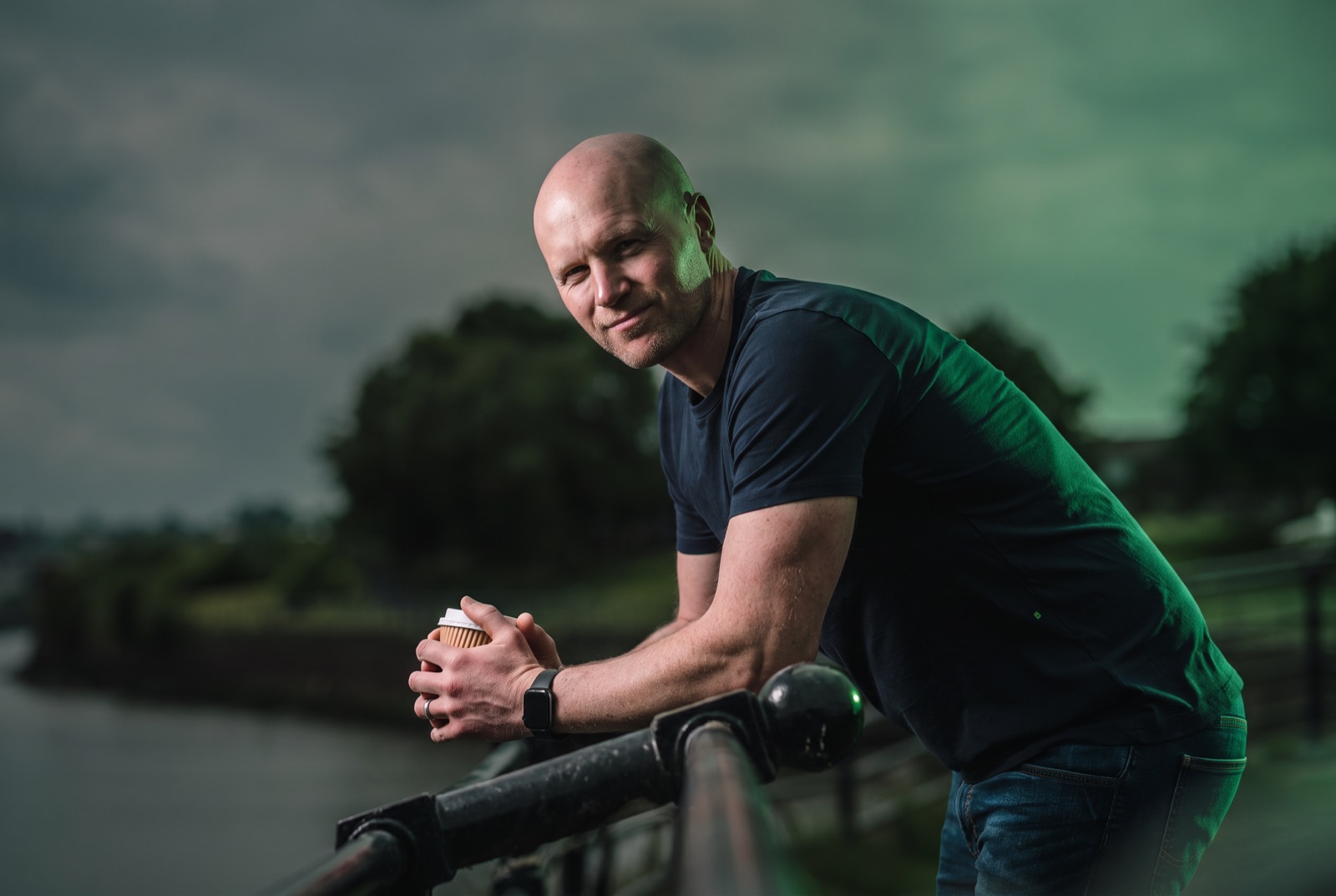
I'm Graham. Most people call me G.
I was a coach before any of this. Other coaches kept asking who my designer was. The answer was me.
These days I build the systems that coaches and service businesses run on. Most of my clients have been fitness coaches, so I know how you sell and how your clients buy.
I'm based in a small town in Lancashire. Everything runs over Zoom, so it doesn't matter where you are.
I'd rather you understood your system than relied on me for it. And I'll always tell you straight, even when it's not what you want to hear.
You're always a person first and a number second.
// Not ready for a call?
Send me your link. I'll go through your website or funnel, then record you a short video showing where it's leaking leads and what I'd fix first.
I'll go through it and send your video within two working days. Keep an eye on your inbox, and check your junk folder just in case.
An example. Yours comes with a video of me walking you through it.
// Questions
Anything not on here, ask me on the call. Or drop me an email.
We go through what you've got together, block by block. I'll show you where it's losing leads and what it would take to fix it. It's 45 minutes on Zoom, with no hard sell. Worst case, you leave knowing exactly what your funnel's missing.
Coaches, consultants and service businesses. Most of my clients have been fitness coaches, but I've built for clinics and therapists too. If you've got an offer that already sells and you want more of the right people finding it, we'll get on.
It depends what you need. A single page costs a lot less than a full system that I run with you for six months. You'll know the price on the call, before you commit to anything.
A full install takes 90 days, from the first call to handing you the keys. A single website or funnel is quicker. You'll get a date on the call.
No. I build on System Stack CRM, which runs on GoHighLevel, and set the whole thing up for you. If you've already got your own GoHighLevel account, we can talk about building in that instead.
Yes, that's the point. I'll walk you through every part before I hand it over, so you know what each bit does. And if you'd rather I kept running it, that's what the Engine is for.
A small town in Lancashire. Everything runs over Zoom, so it doesn't matter where you are.
Book a free funnel assessment. We'll go through what you've got, and you'll leave knowing what to fix first, whether you work with me or not.